Full Feature Set
Helix Forge replaces the spreadsheet-and-sticky-note bid process with a single shared platform for bid tracking, estimating, contacts, and analytics — built specifically for construction contractors and subcontractors.

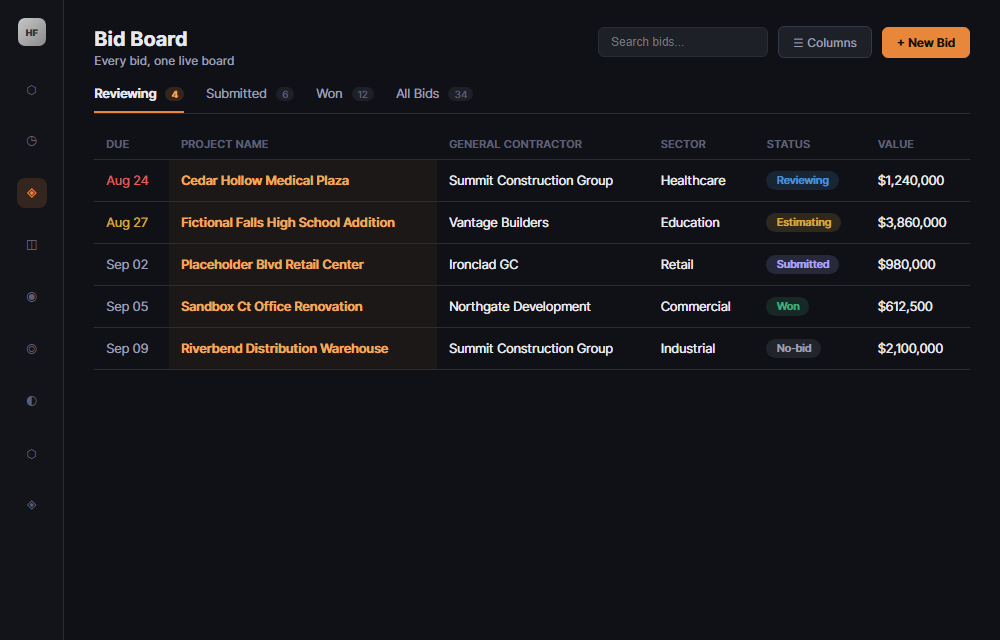
The center of Helix Forge: a live, shared board tracking every bid from lead to award. Sort and filter by stage, estimator, sector, source, and value. Resizable, customizable columns mean your board looks the way your office actually works.
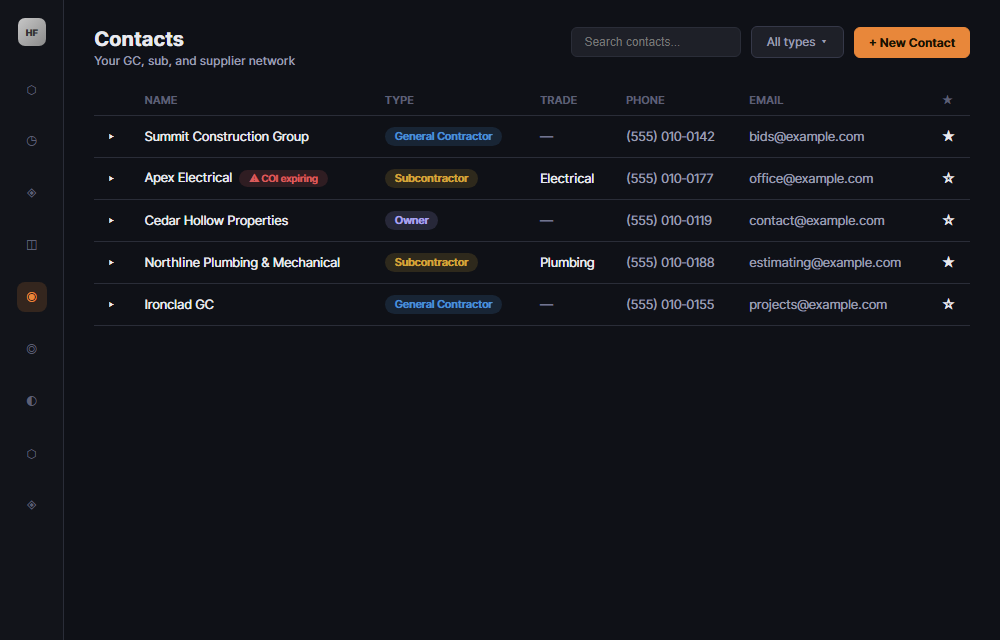
Every general contractor, subcontractor, and supplier your office works with, in one searchable network — with custom contact types and full project history attached to each one.
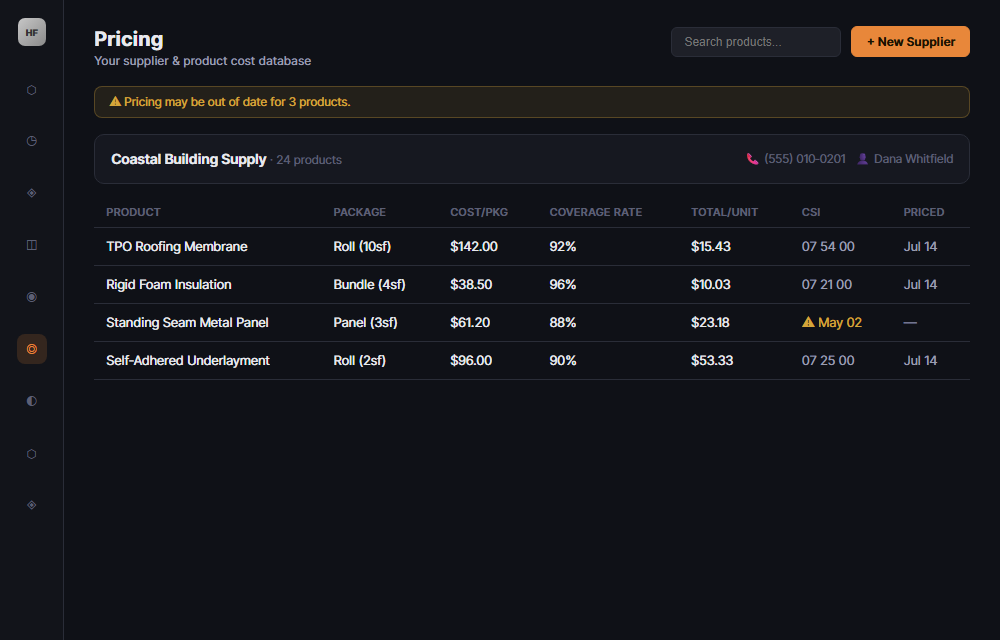
Stop rebuilding every estimate from a blank spreadsheet. Helix Forge keeps a running pricing database of your own historical costs, so estimates get faster and more accurate the more you use it.
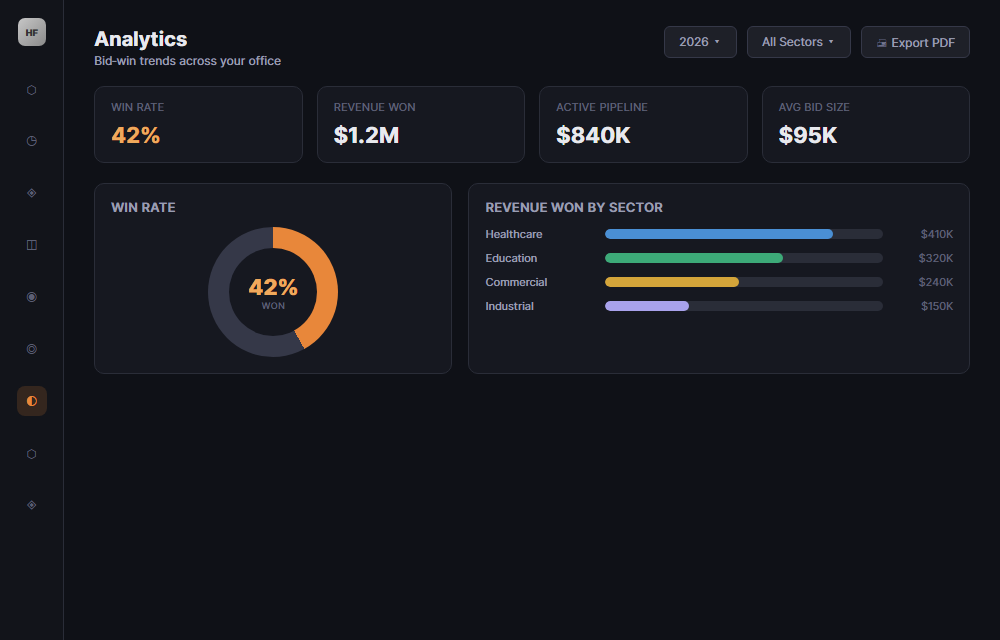
Know your actual win rate — by sector, by GC, by estimator — instead of relying on gut feel. The Analytics dashboard shows bid-win trends over time so you can spot which work is actually worth chasing.
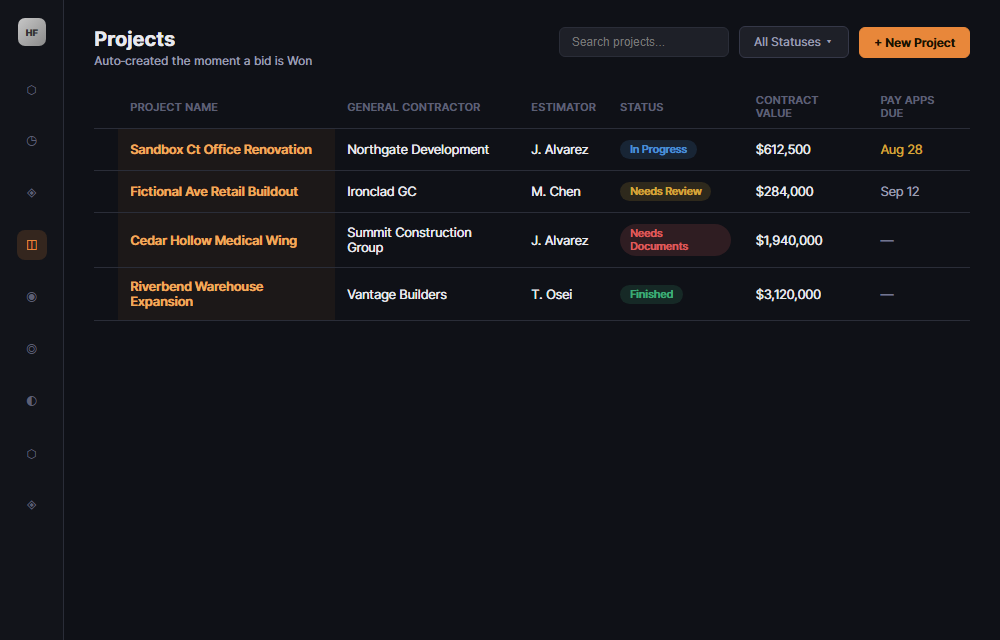
The moment a bid is marked Won, it becomes a tracked project automatically — no re-entering data. Pay app due dates, project coordinator, and billing fields come pre-populated from the bid.
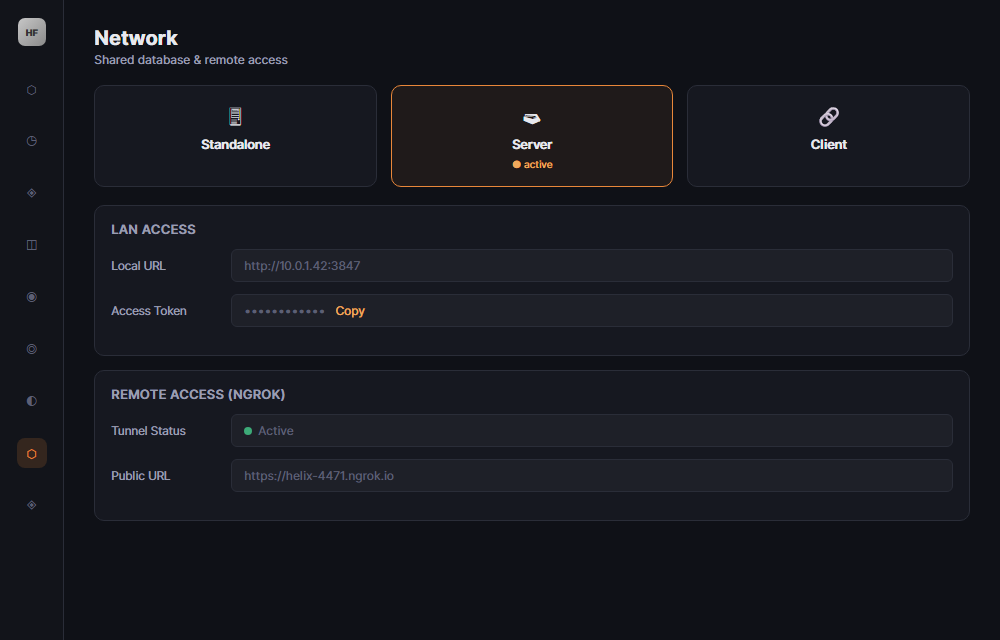
Run Helix Forge on a shared, synced database across your office network, or securely tunnel access out to field crews and remote estimators — no VPN required.
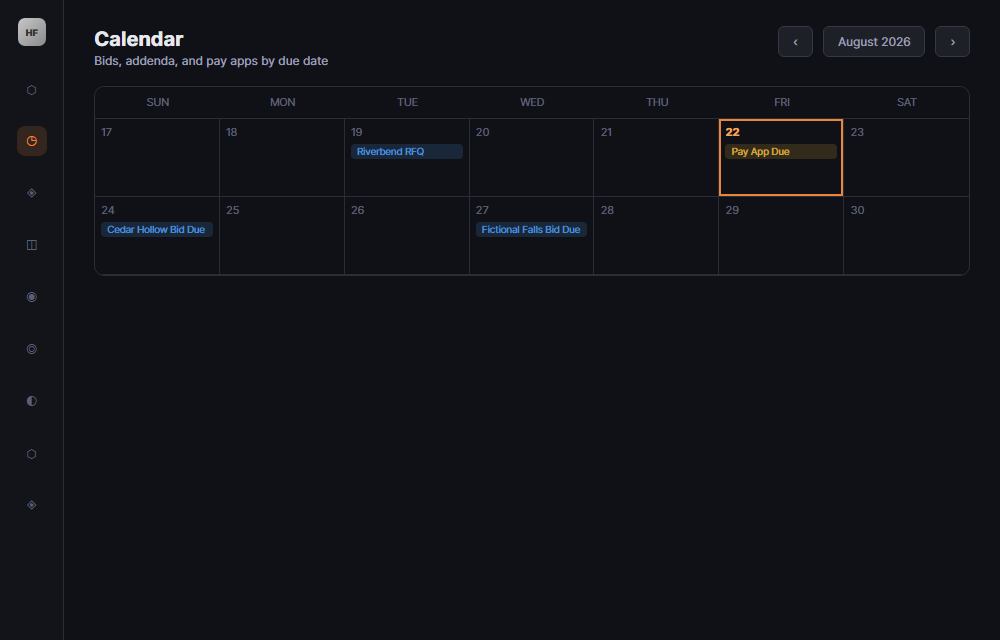
Bid due dates, addenda deadlines, and pay app due dates all land on one calendar, so nothing quietly slips past your team.
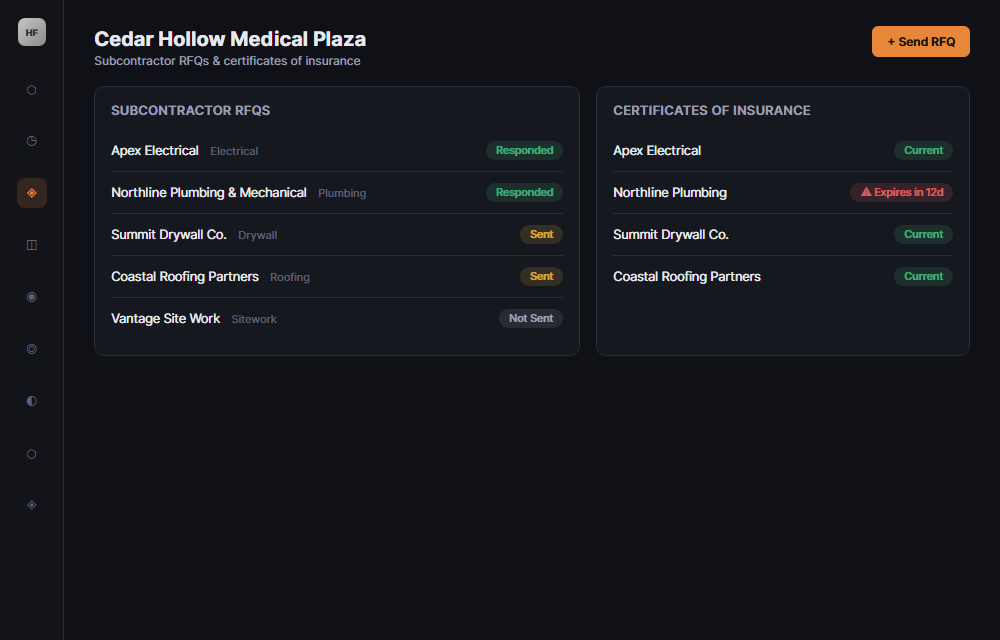
Send RFQs out to your subs and suppliers and track their responses inside the bid you're building. Track certificates of insurance right alongside the subs and vendors they belong to.
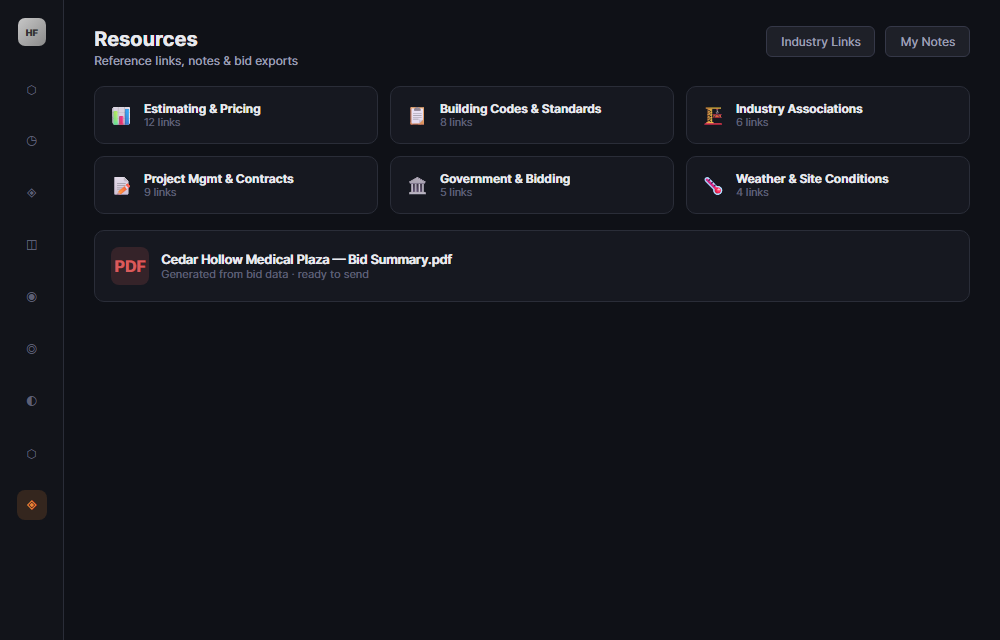
Attach bid documents and reference files directly to the bid or project they belong to, and export a clean bid summary PDF when it's time to send a proposal.
Start a 30‑day free trial and bring your own bids into Helix Forge from day one.